CONFIDENTLY START PRODUCING YOUR OWN RELEASE-READY SONGS FROM HOME FOR FULL CREATIVE FREEDOM

Unlock the Proven Home Studio Launch System by Grammy-Nominated Audio Engineer Logan Hill (Credits: Elevation Worship, Forrest Frank, Maverick City Music)

HOW IT WORKS:

🎧 Get instant lifetime access to hours of video lessons, templates, and workflows I use in Logic Pro and Pro Tools — making it effortless to start producing professional songs right from your home studio.

🎧 Bonus access to my personal gear list, PDF guides and course content from my Producer Mastery mentorship — at no extra cost.

🎧 Easily dial in your home studio setup and gain clarity on your artistic vision, so your music finally sounds like you.

🎧 Follow my clear 6-step process for creating a professional song arrangement inside Logic Pro or Pro Tools so you can stop wasting hours on YouTube.

🎧 Build a polished, industry-standard song arrangement using a repeatable framework that covers MIDI chords, bass, drums, live instruments, scratch vocals and post-production editing — in 14 days or less.

IN 14 DAYS you’ll have:

  • An industry-standard song arrangement in Logic Pro or Pro Tools and an artist vision statement.

  • A repeatable, proven workflow for starting every future project quickly.

  • The foundation needed to qualify for Producer Mastery, my flagship mentorship & private Skool community where we turn your demos into release-ready songs so you can finally release music consistently and pursue your calling.

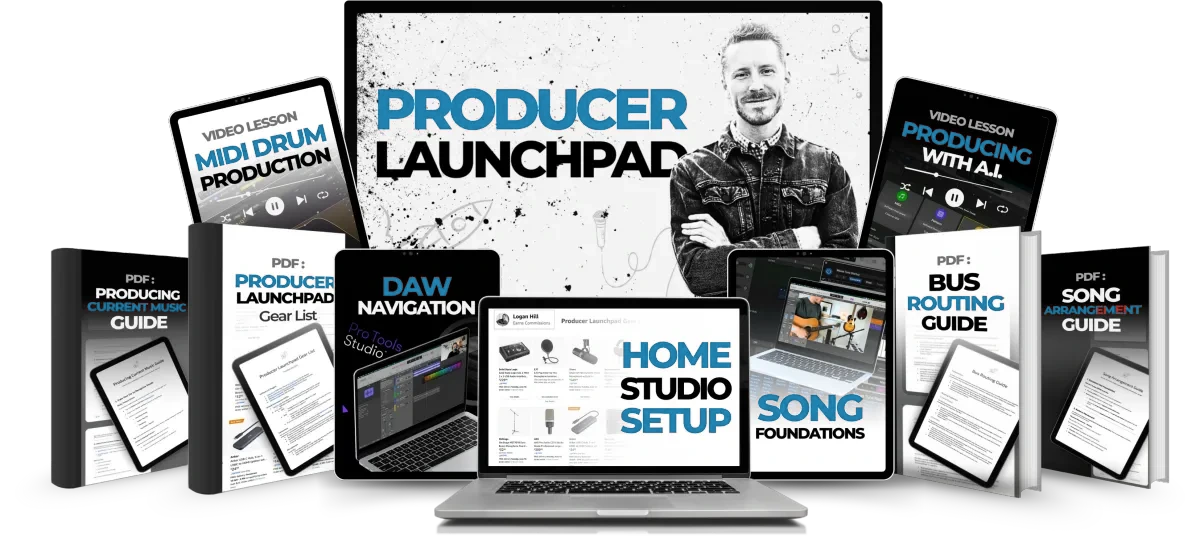
INTRODUCING PRODUCER LAUNCHPAD

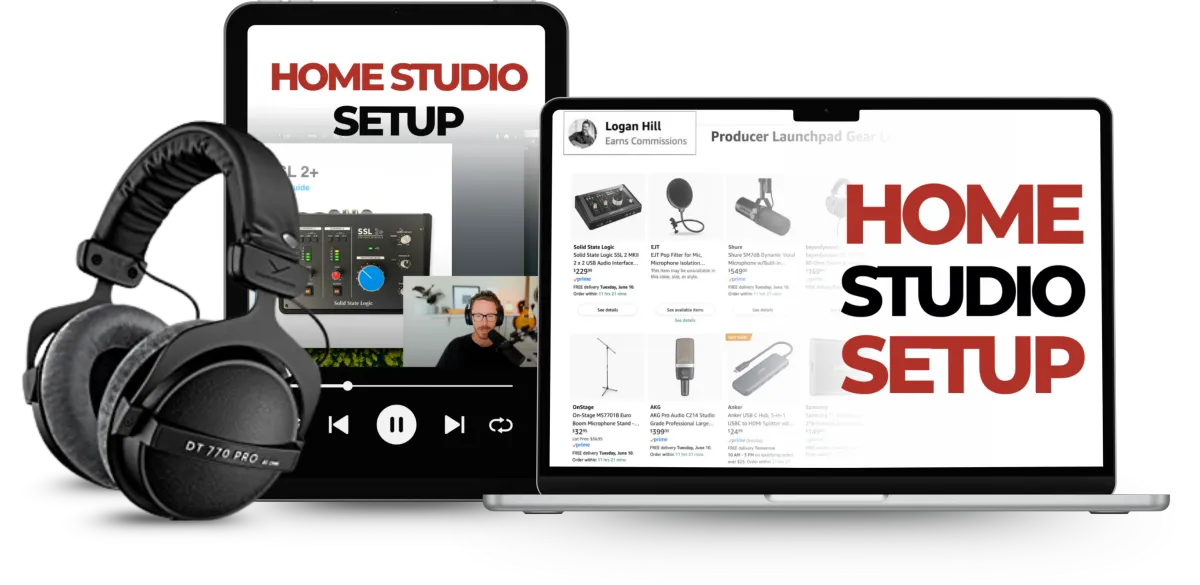
MODULE 1: HOME STUDIO SETUP

Optimize your home studio and clarify your artistic vision so you’re equipped for industry-standard production from day one.

● Introduction

● Your 6-Step Starter System

● Artist Vision Statement

● Home Studio Gear List

● Plugins & iLok Setup

● Computer Organization

● Audio Interface Setup

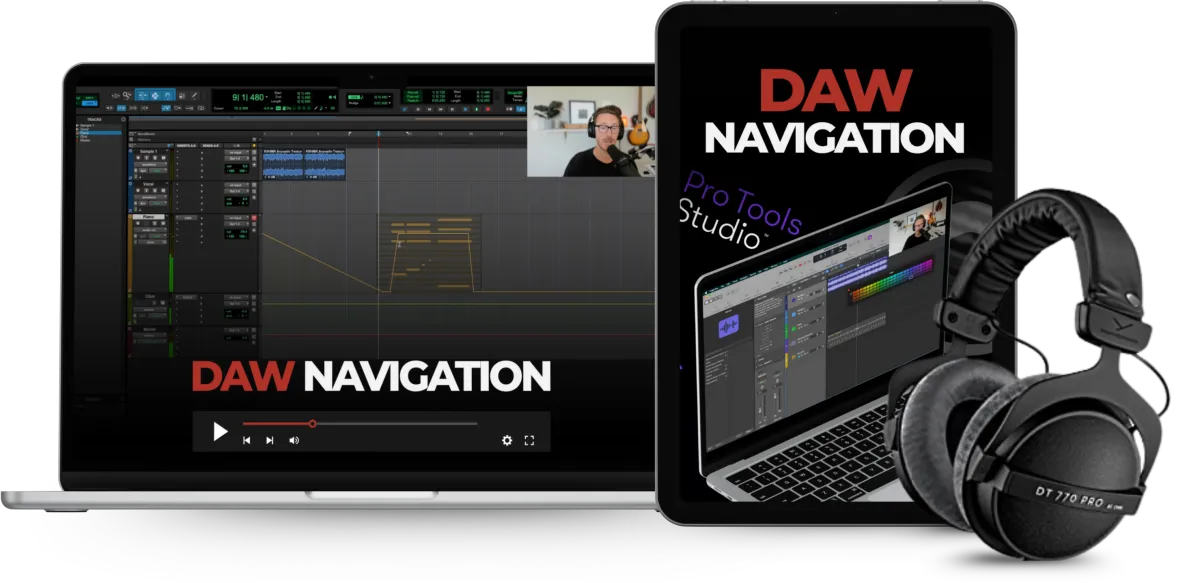
MODULE 2: DAW NAVIGATION

Confidently navigate Logic Pro or Pro Tools, grasp complex bus routing, set up your session with the right key, tempo, VSTs & samples. Put this knowledge to practice by creating a song sketch.

● DAW Navigation

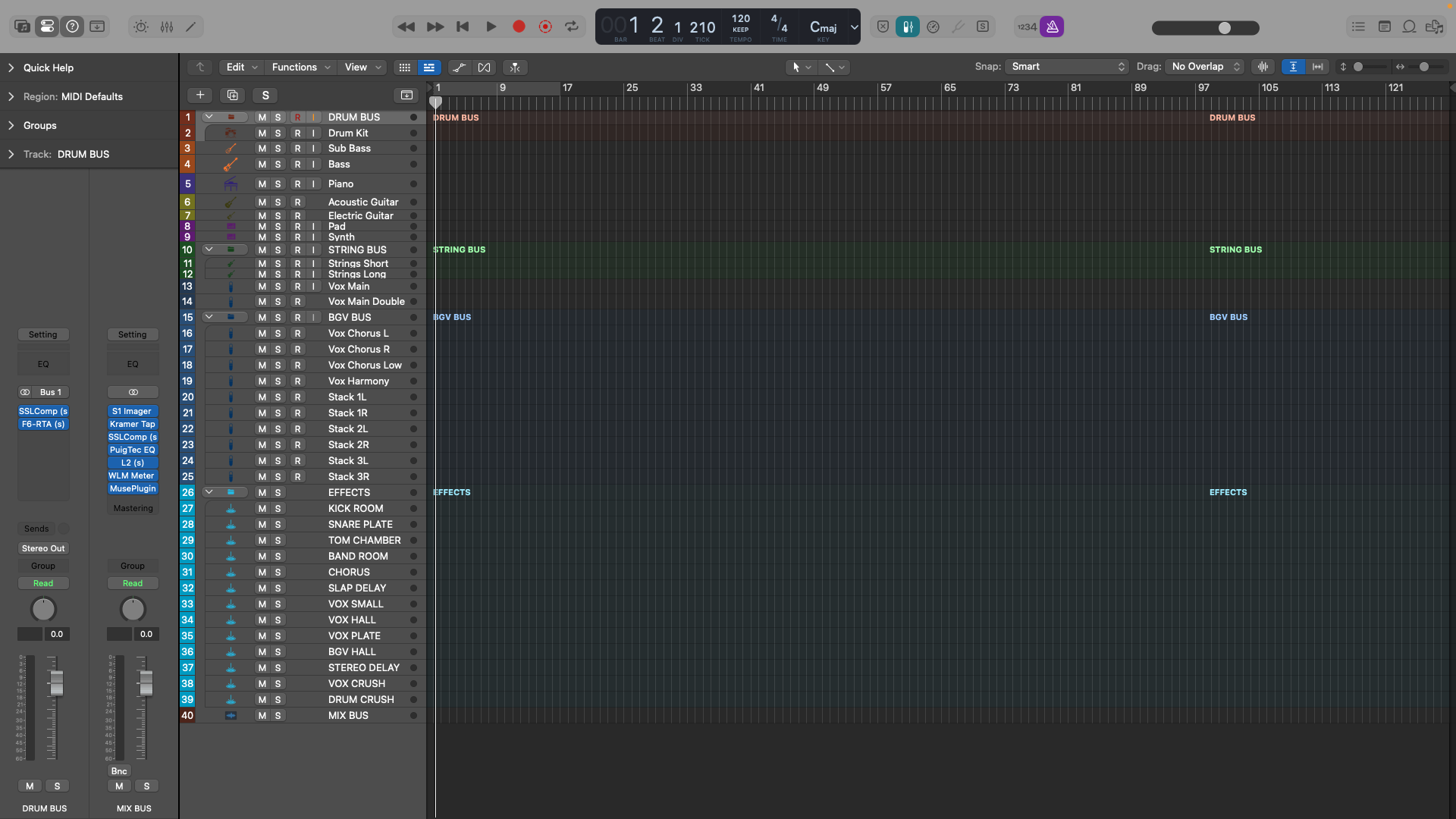
● Bus Routing

● Series vs. Parallel Processing

● Send Routing

● Creating a Song Sketch

● Importing Audio Files

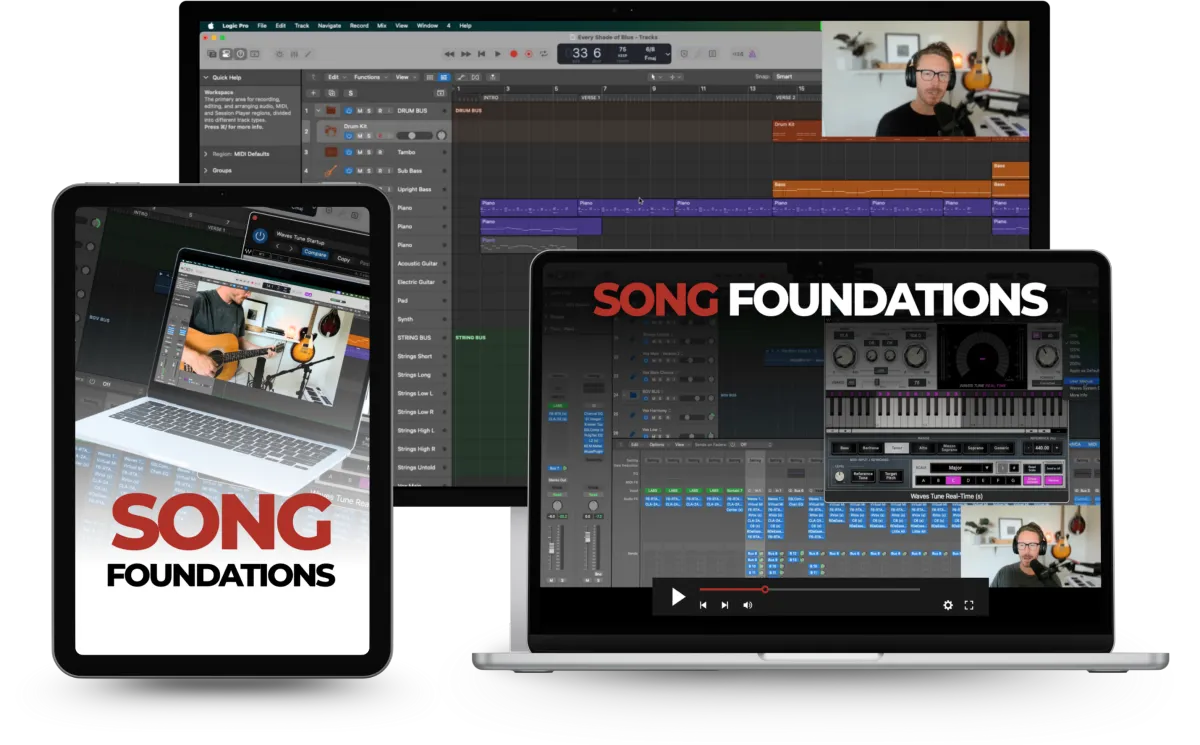
MODULE 3: SONG FOUNDATIONS

Arrange your first song with chords, MIDI and live instruments, and scratch vocals. Apply essential editing techniques and post-production polish.

● EZdrummer 3 Walkthrough

● Arranging Your Song

● How to Use Reference Tracks

● Recording Guitar

● Clip Gaining Audio

● Recording Scratch Vocals

● Vocal Comping

● Applying Auto-Tune

● Bouncing Your Arrangement

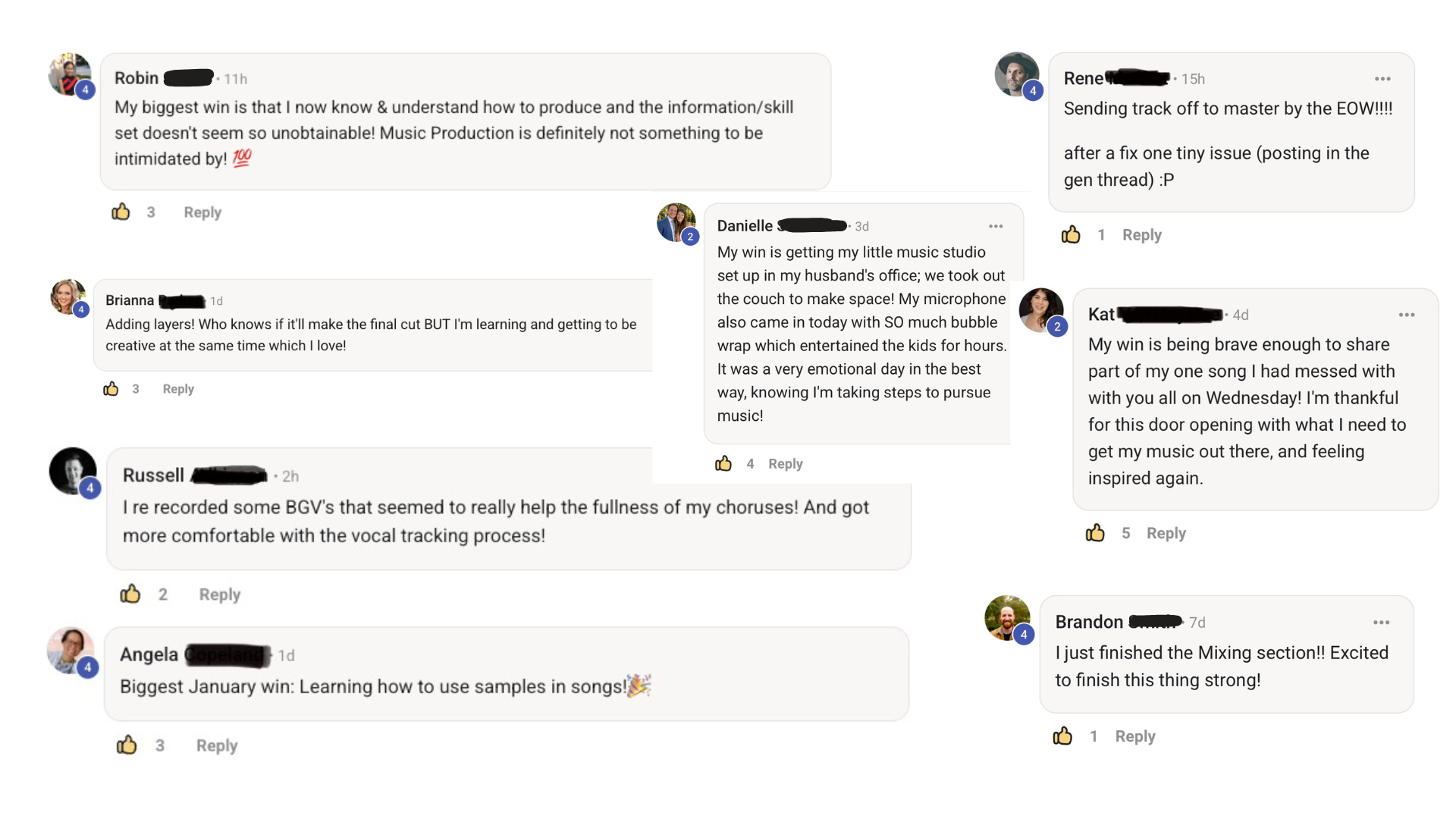
THIS SYSTEM HAS HELPED 200+ INDIE ARTISTS UNLOCK THE CREATIVE FREEDOM TO BUILD AN AFFORDABLE SONG CATALOG

💰 Producer Launchpad took a worship artist from having no production experience to producing 3 songs in just 6 weeks!

💰 Producer Launchpad gave a singer-songwriter the skills to produce industry-standard songs quickly that he is now confidently using for intensive Nashville songwriting retreats.

💰 Producer Launchpad empowered a country artist to step into his dreams of producing his own songs instead of relying on expensive producers and studios.

💰 Producer Launchpad equipped a worship artist with everything she needed to produce and release multiple songs according to her own schedule and deadlines.

💰 Producer Launchpad helped an indie Christian artist save over $1500 on an affordable home studio setup with the exact plugins and gear needed for professional production and mixing.

💰 Producer Launchpad gave an indie Christian artist the arrangement skills to land his first paying client for a full EP project.

💰 Producer Launchpad prepared a producer with the skills to be entrusted to fully write and produce a song for her friend's wedding!

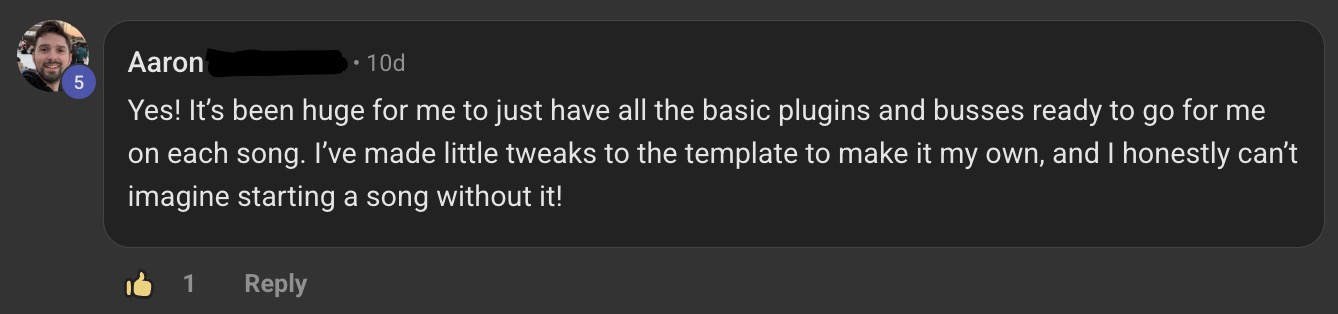
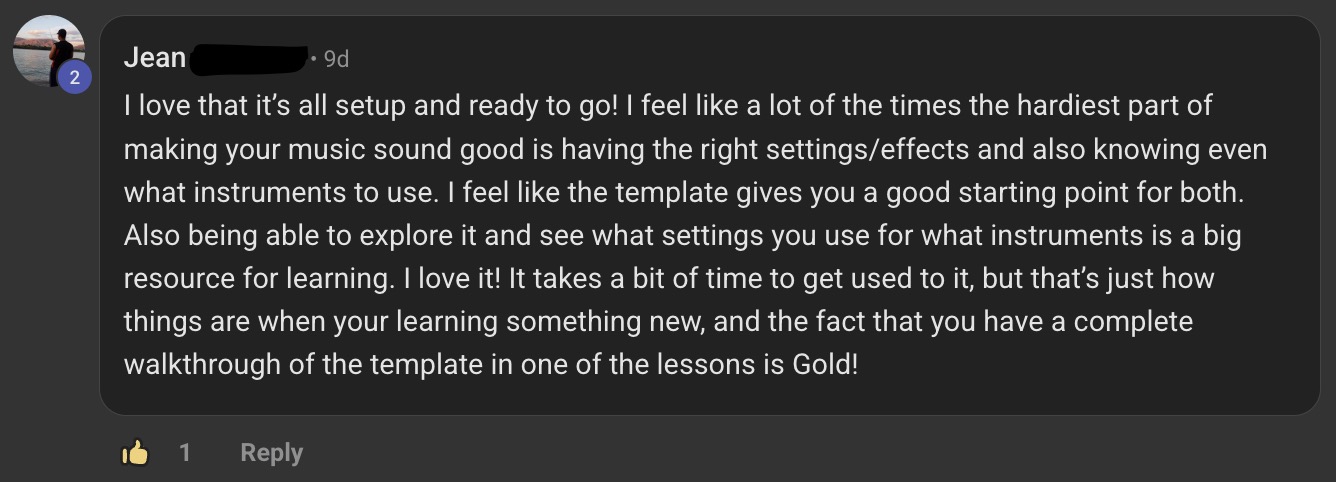
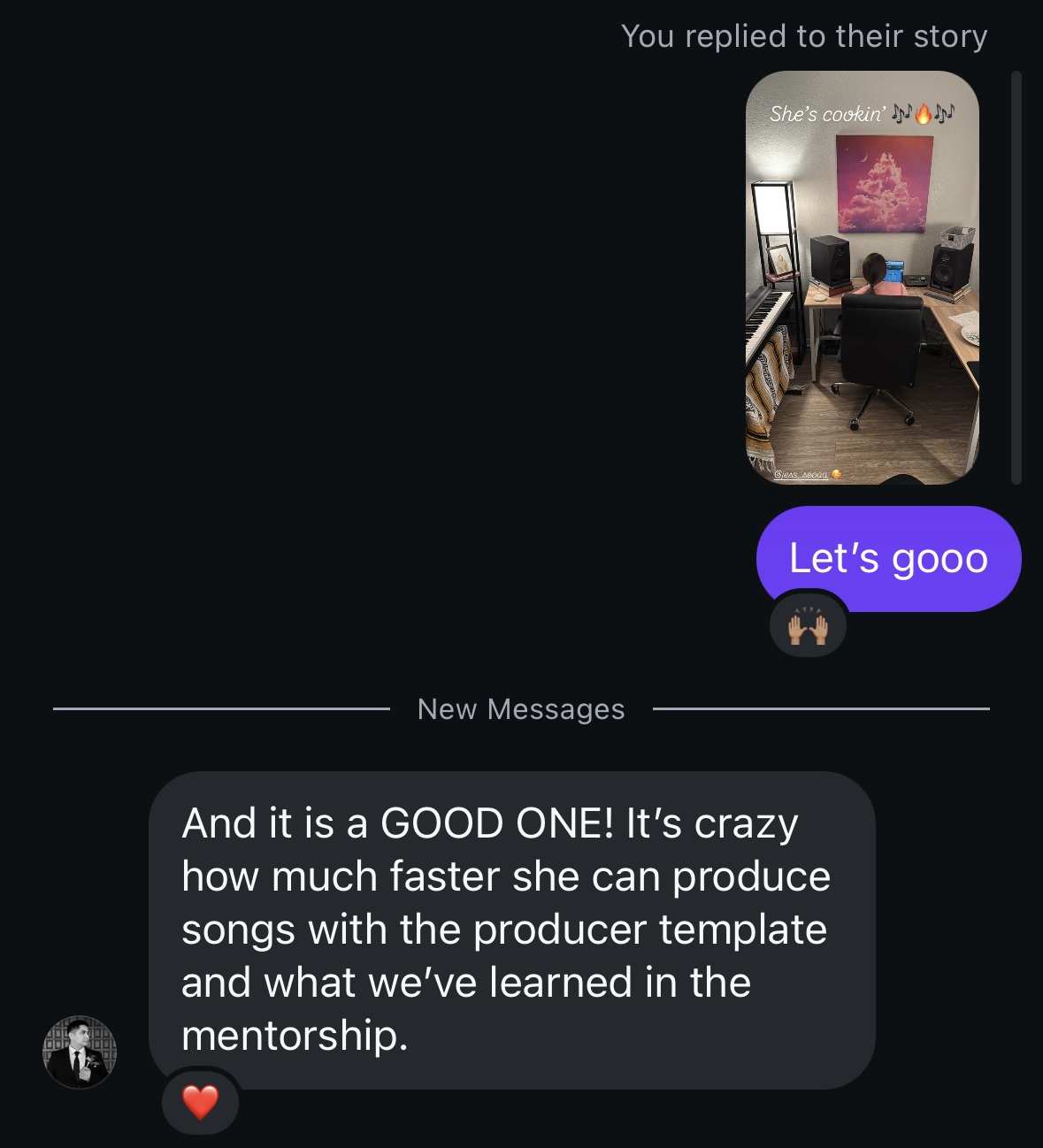
REAL RESULTS FOR INDIE ARTISTS:

LIMITED TIME ONLY BONUSES:

🎁 BONUS VIDEO LESSONS: Producing with A.I.

Learn how to use Logic Pro 11's A.I. features to speed up your workflow. Use my personal ChatGPT prompts to find your sonic signature, track references and specific plugin presets.

🎁 BONUS VIDEO LESSON: MIDI Drum Production

Go behind the scenes with a producer signed to the top sync agencies (placements on Netflix, Amazon, ABC & NBC) and learn his MIDI drum production workflow.

🎁 BONUS PDF: Home Studio Gear List

Get my personal, proven gear & plugin list—everything you need and nothing you don’t—to produce professional level music from home.

🎁 BONUS PDF & VIDEO LESSON: Bus Routing Guide

Master the backbone of professional mixing and signal flow with this step-by-step guide and video lesson.

🎁 BONUS PDF: Song Arrangement Guide

My exact framework to build emotionally powerful, well-structured songs that connect with listeners and feel “radio ready.”

🎁 BONUS PDF: Producing Current Music

Stay ahead of the curve with this practical guide on staying relevant in today’s fast-moving music industry.

WE WILL GIVE YOU EVERYTHING YOU NEED TO CONFIDENTLY PRODUCE YOUR OWN PROFESSIONAL SONG ARRANGEMENTS IN 14 DAYS OR LESS

WHAT'S INCLUDED:

✅ Producer Launchpad Starter System — The same 6-step system I've used to help 200+ indie artists produce professional songs from home for full creative freedom. (PRICELESS)

Producer Launchpad Modules Hours of starter video lessons and workflows in Logic Pro & Pro Tools — DAW navigation, arranging with MIDI, recording scratch vocals and live guitar, applying post-production polish. ($500 IN VALUE)

Bonus Video Lessons — How to use Logic Pro 11 and my personal ChatGPT prompts to speed up your workflow and find your sonic signature; MIDI drum production secrets from a top sync producer (placements on Netflix, Amazon, ABC & NBC). ($200 IN VALUE)

Logan Hill's Home Studio Gear List — The exact equipment and plugin recommendations that have saved students $1500+ in unnecessary purchases. ($100 IN VALUE)

Bus Routing Video Lesson & PDF Guide — Finally understand routing, parallel processing and signal flow with confidence. ($100 IN VALUE)

Song Arrangement Guide — Professional frameworks to help shape and emotionally elevate your music. ($50 IN VALUE)

Producing Current Music Guide — How to stay competitive in today’s evolving music landscape. ($50 IN VALUE)

FOR JUST $27

In case we haven't met yet...

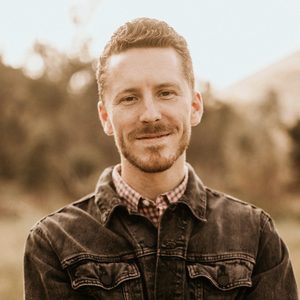
Hey, I’m Logan Hill! 👋

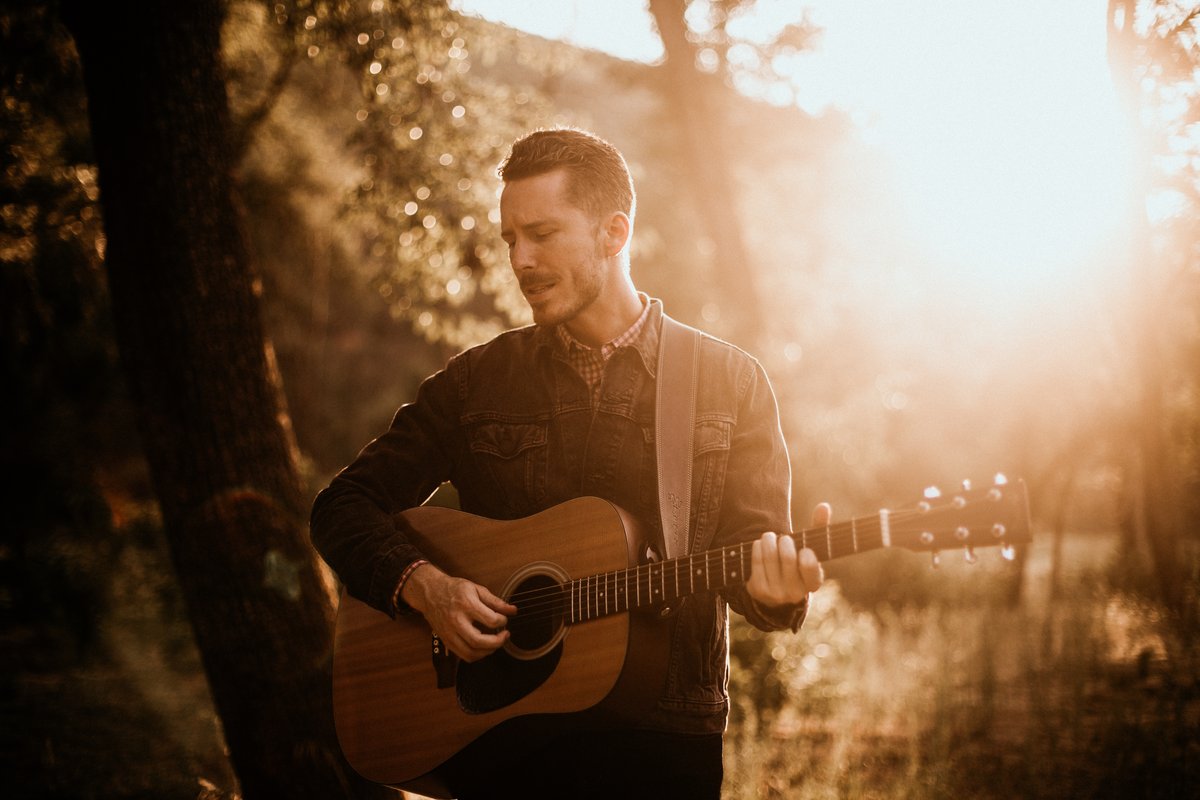
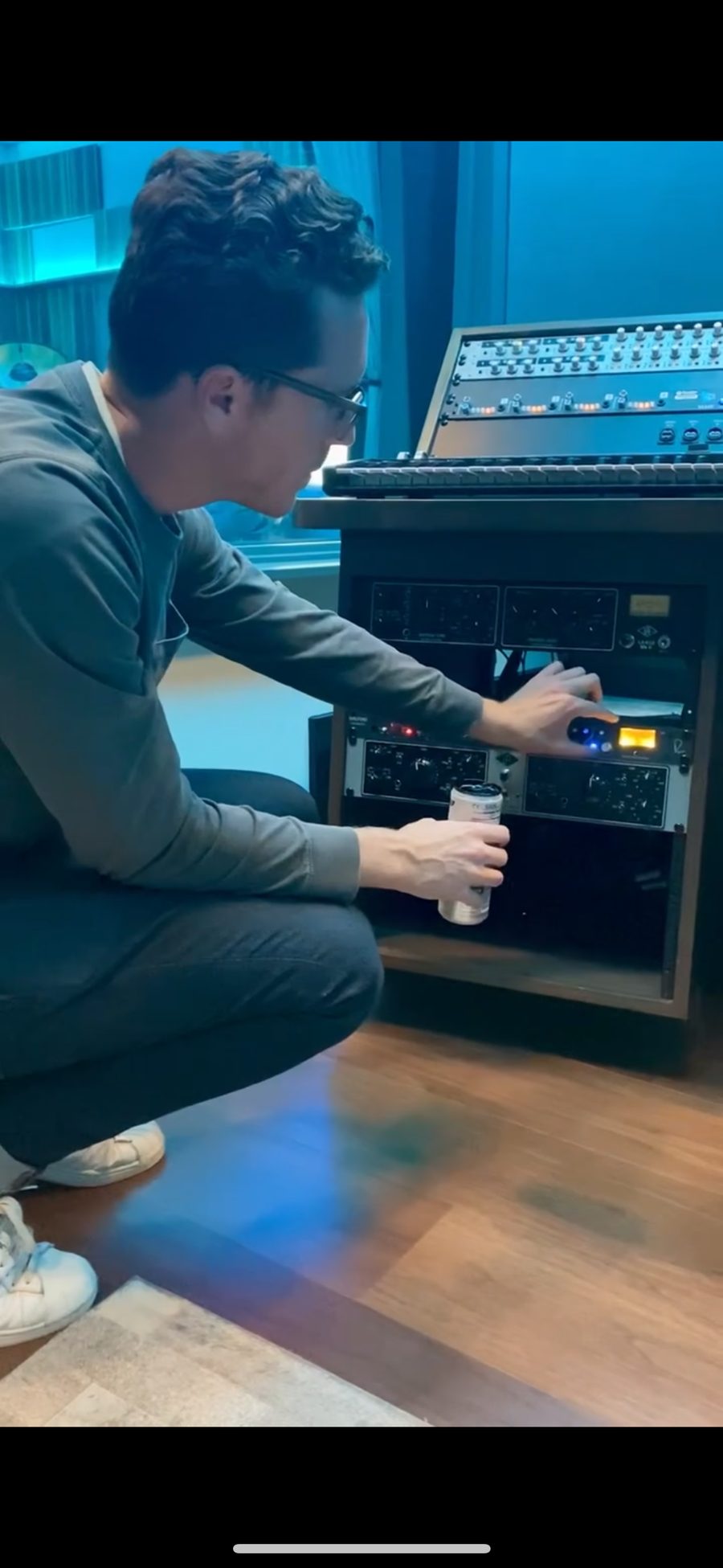
I'm a Grammy-nominated audio engineer and credentialed teacher passionate about helping indie artists like you! I went from teaching high school English to audio engineering for Grammy-winning record label, Elevation Worship.

I've engineered and edited on over 14 Elevation Worship & Elevation Rhythm releases, with credits including Elevation Worship, Elevation Rhythm, Forrest Frank, Maverick City Music, Tiffany Hudson, Bethel Music and Leeland.

I've had the privilege of working on worship songs that are still being sung by people all over the world, like the Grammy-nominated projects "When Wind Meets Fire" and "Praise" by Elevation Worship.

I've also had my original songs signed to major sync agencies.

In my journey, I saw countless independent artists struggle to find producers who truly understood their vision—or worse, spend thousands for one song that didn’t even reflect their heart and sound.

But every day, I worked closely with both artists and professional studios, fine-tuning workflows and teaching producers how to turn a simple idea into a polished, release-ready track.

Then, one day, I realized that the biggest transformation didn’t come from expensive studios—but from teaching artists how to take control of their own production with the right mentorship and system.

We realized artists don’t need more gear or another plugin—they need a roadmap.

So that’s exactly what we created, again and again.

And the results? My team has helped dozens of artists go from confused and frustrated to confident and creative—producing their own songs from start to finish.

And it works every time.

Then we wondered whether the same strategy would work for someone just starting out… someone with little to no experience.

Enter Angela.

Angela had never produced a full song before. She had no idea how to navigate her DAW or record vocals that sounded clean.

We gave her the formula.

And within just 6 weeks, she produced 3 full songs—completely on her own.

So we decided to package everything we taught Angela, putting it into Producer Launchpad—our 6-step starter system.

And we made it affordable enough so we could get it into the hands of any indie artist ready to break free from expensive studio bills and finally produce their own music.

And the results? They were the exact same for our students:

"No experience to producing 3 songs in 6 weeks..." – Angela's Testimonial

"Gave me the freedom to work at my own pace..." – Jess & Elisha's Testimonial

"Gave me the tools and building blocks for production..." – Chad's Testimonial

"Before this I had no idea what VSTs were or how to use EQ..." – Hadi's Testimonial

It almost felt too good to be true, but it was years of hard work being boiled down into the simplest, most easy-to-understand format possible.

If you want to finally produce your own professional songs without wasting thousands on hit-or-miss producers...

And start building your own catalog of release-ready songs with full creative freedom from your home studio…

Then this course is the perfect launchpad.

WHAT YOU'LL LEARN:

● How to optimize your home studio with the same gear that professional sync producers use with my personal home studio gear list.

● How to confidently navigate Logic Pro or Pro Tools and finally understand complex bus routing workflows—even if you’re brand new.

● How to leverage ChatGPT as your personal production assistant and use Logic Pro 11's AI features.

● How to produce with MIDI drums using secrets from a top sync producer.

● How to create a professional song arrangement with MIDI chords, bass, drums, live instruments and scratch vocals.

● How to edit and finalize your song arrangement with post-production polish.

Can’t wait to see you inside!

—Logan

Angela's Testimonial

"No Experience to Producing 3 Songs in 6 Weeks"

Jess & Elisha's Testimonial

"Gave Me the Freedom to Work at My Own Pace"

Chad's Testimonial

"Gave Me the Tools & Building Blocks for Production"

Hadi's Testimonial

"Before This I Had No Idea What VSTs Were or How to Use EQ..."

Frequently Asked Questions

Is this course right for me?

Yes! If any of this sound like you:

✓ You're an indie artist in the following genres: Indie Christian, Worship, Singer-Songwriter, Folk, Country, Pop, R&B, or Rock.

✓ You've spent thousands on producers who fail to create the sound that you envision.

✓ You've dabbled in an entry-level DAW like GarageBand or BandLab.

✓ You've tried convoluted YouTube tutorials, but need a clear, step by step learning process.

✓ You have countless rough demos and half-finished songs.

✓ You invested in a home studio setup, but feel lost on how to produce Spotify-ready songs.

What skill level is this course for?

This course is built for beginners who have either no production experience or are just starting out their producer journey. However, my Producer Template and Vocal Production Module add-ons do include complex techniques and features that seasoned professionals may still be unfamiliar with.

With AI music tools like Suno available, do I still need to learn DAW's like Logic Pro or Pro Tools?

Yes, this is exactly WHY you need production skills now more than ever. AI can generate ideas, but it can't capture your authentic voice, make professional mix decisions, or create the emotional nuance that connects with real listeners. Our students use AI as ONE tool in their toolkit, then apply real production knowledge to create something truly special.

Also, it's important to note that the sync industry does not permit AI generated tracks. So if you're wanting to earn an income from TV and film placements, you MUST learn an industry-standard DAW like Logic Pro or Pro Tools.

Is this course lifetime access?

Yes! This course is a one-time fee and you will be able to access it whenever you want, for as long as you want.

What gear and software do I need for this course?

This course is for learning Logic Pro or Pro Tools ONLY. For Pro Tools, I recommend the Studio version (not Intro) so you have enough track capacity in your project sessions. Make sure to grab the Pro Tools academic discount if you are a teacher or student.

You will need a computer, vocal mic, audio interface, MIDI keyboard and mixing headphones. Logic Pro is Mac only. The course comes with my Home Studio Gear List for my personal recommendations and purchase links.

● You can complete this course with free stock plugins. However, to use my Producer Template add-on and have the best overall experience, you will need the Waves Essential or Waves Ultimate Plugin Bundle.

How do I watch the course and access my add-ons?

The course is hosted on our website. Upon purchase, you will be emailed a link to create a password and log into your account. Make sure to log in using the same email that you used to buy the course. This is also where you will access any product add-ons like my Producer Template. Our site will keep track of your progress throughout the modules as you work through them!

How long does this course take to complete?

The course (not including any module add-ons) takes around 4-5 hours to complete in one DAW. To implement the course, I recommend 3-5 hours per week for the next 2 weeks. Everything is recording (nothing is live), so you will be able to work at your own pace!

What's next after I finish the Producer Launchpad course?

Once you are able to produce at least a demo or basic song arrangement (in Logic Pro or Pro Tools), you can apply for our 6 month mentorship and private community called Producer Mastery.

You'll get direct support and mix feedback from Logan Hill as you learn how to produce, mix and master your own release-ready songs. We will help you build a song catalog so you can release songs consistently and gain traction as an artist.

Learn more and book a call to apply here: loganhillofficial.com/vsl

Terms | Privacy Policy

© 2025 Logan Hill Consulting, LLC. All Rights Reserved.

This site is not a part of the Facebook website or Facebook Inc. Additionally, This site is NOT endorsed by Facebook in any way.

FACEBOOK is a trademark of FACEBOOK, Inc.